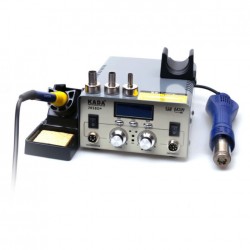
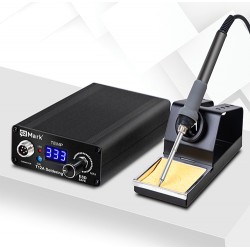
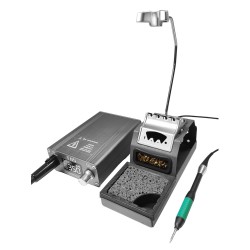
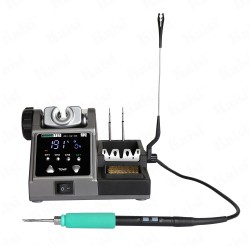
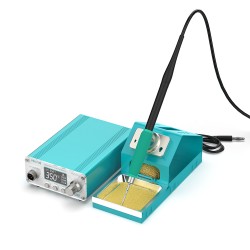
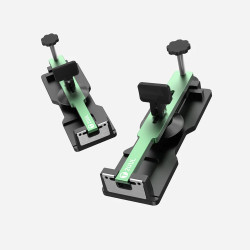
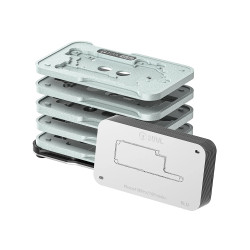
Features:
- Power Consumption: 80W
- Input Voltage: AC 110V / AC 220V
- Range of Temperature: Decide by working mode 200℃-500℃(232℉-932℉)
- Temperature Stability: ±2℃/Without airflow and no load
- Tip to Ground Resistance: <1Ω(DC)
- Tip to Ground Potential: <25mV (True RMS)
Operating characteristics:
- When encountering a large solder joint, tap the bracket twice with the handle, and the soldering station will increase the temperature at the original set temperature by 80 ° C for 15 seconds, until the end, it will automatically recover, convenient and practical, no longer needed Adjust the temperature manually.
Celsius and Fahrenheit temperature display conversion:
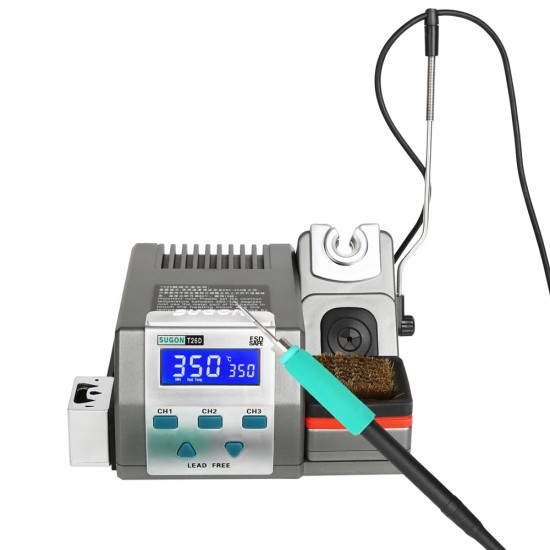
- Press at the same time in the power-on state Hold the "UP" and "LOW" keys, that is Can switch between Celsius or Fahrenheit degree. The unit displays Celsius "℃" Fahrenheit "℉"
Calibration temperature:
- Set the temperature of the machine to 350℃, and when the temperature is stable, place the soldering iron tip on the soldering iron to measure the temperature. At the probe position of the meter, when the temperature tester shows stability, write down the reading value.
- Press and hold the "CH1" and "CH3" keys at the same time until the display 350 flashes and the display shows "CalTemp" and the machine enters the temperature calibration mode.
Buzzer settings:
Press and hold the "CH1" key and the "CH2" key at the same time in the power-on state to turn off or enable the buzzer sound. When enabled, the machine will display "symbols" and beep. The beeper symbol is not displayed when it is off.
Packing Content*
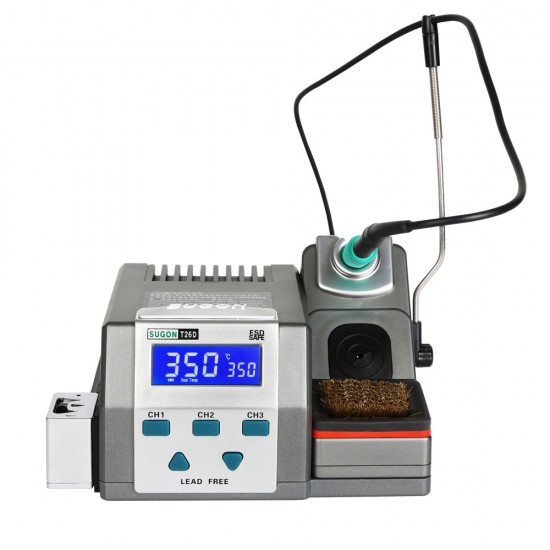
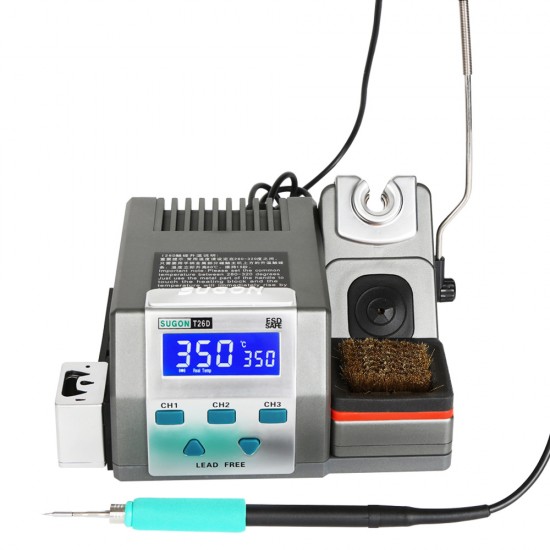
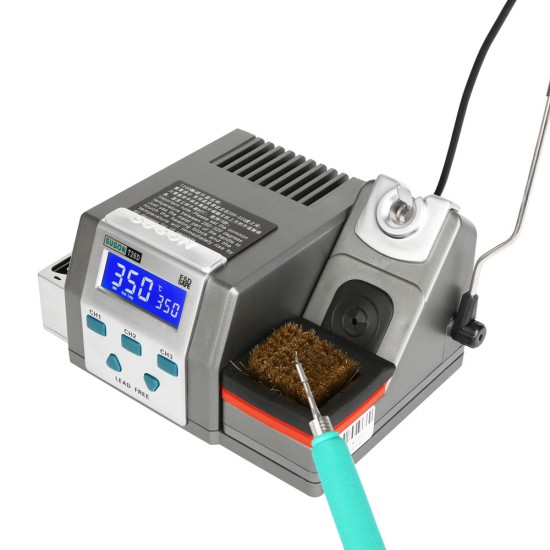
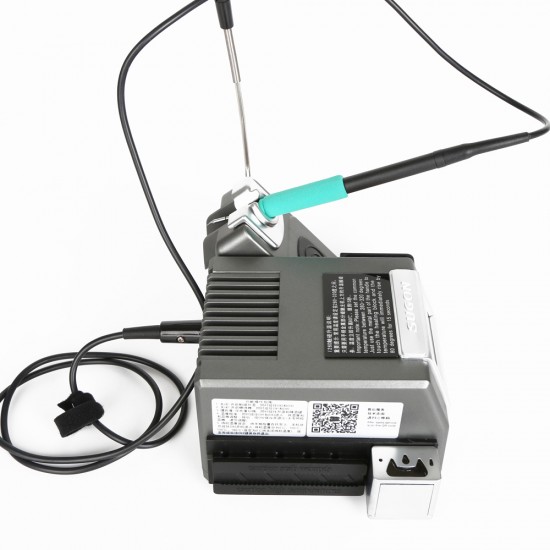
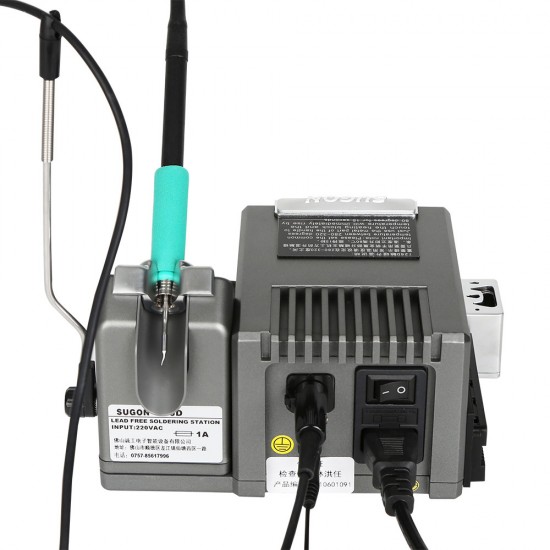
1x T26D Welding Table
1x T26 Pen Handle
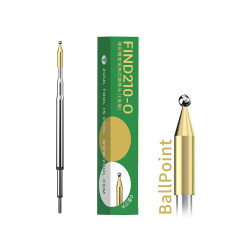
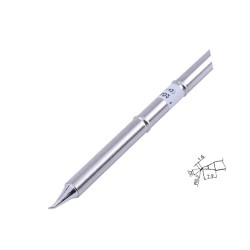
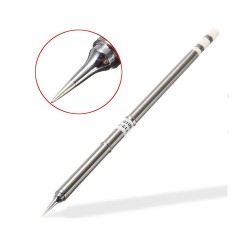
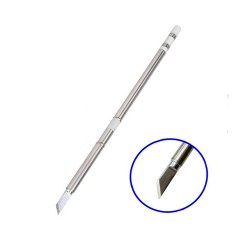
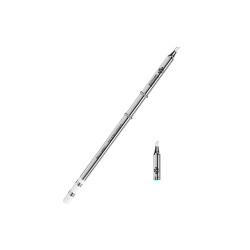
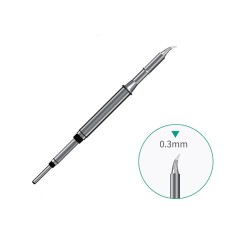
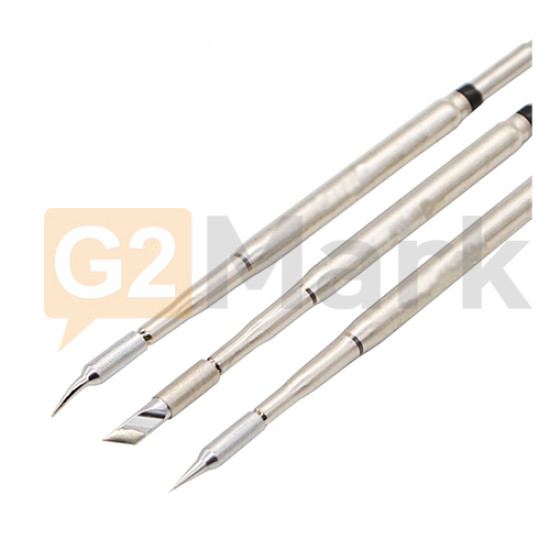
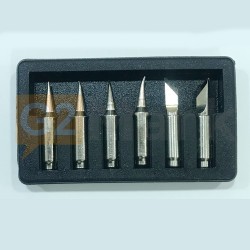
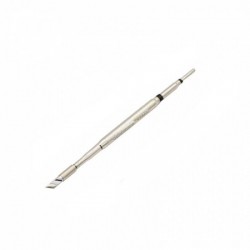
3x Sugon 210 Iron tip ( Knife + Bent + Straight )
1x Power Cord